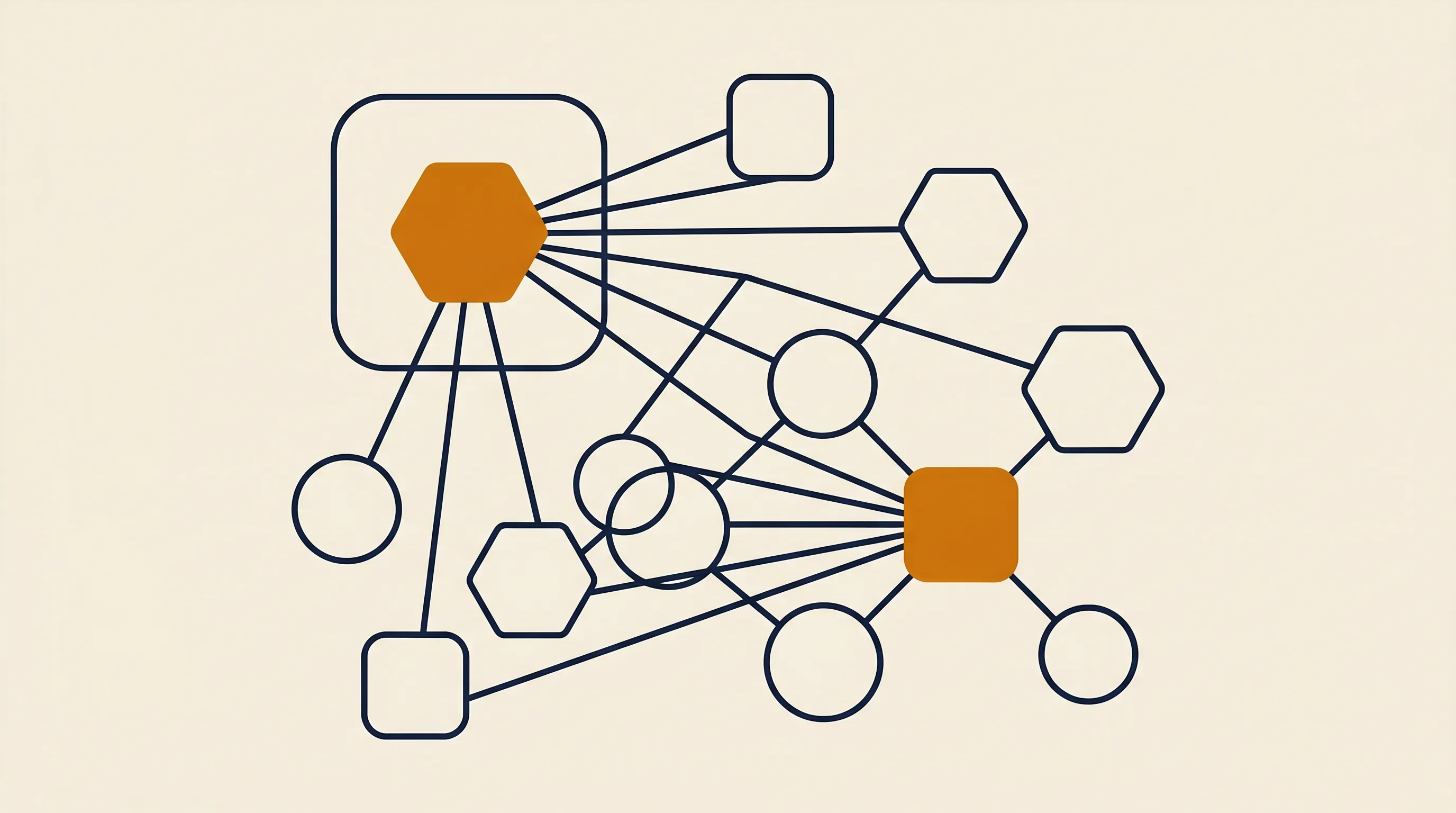
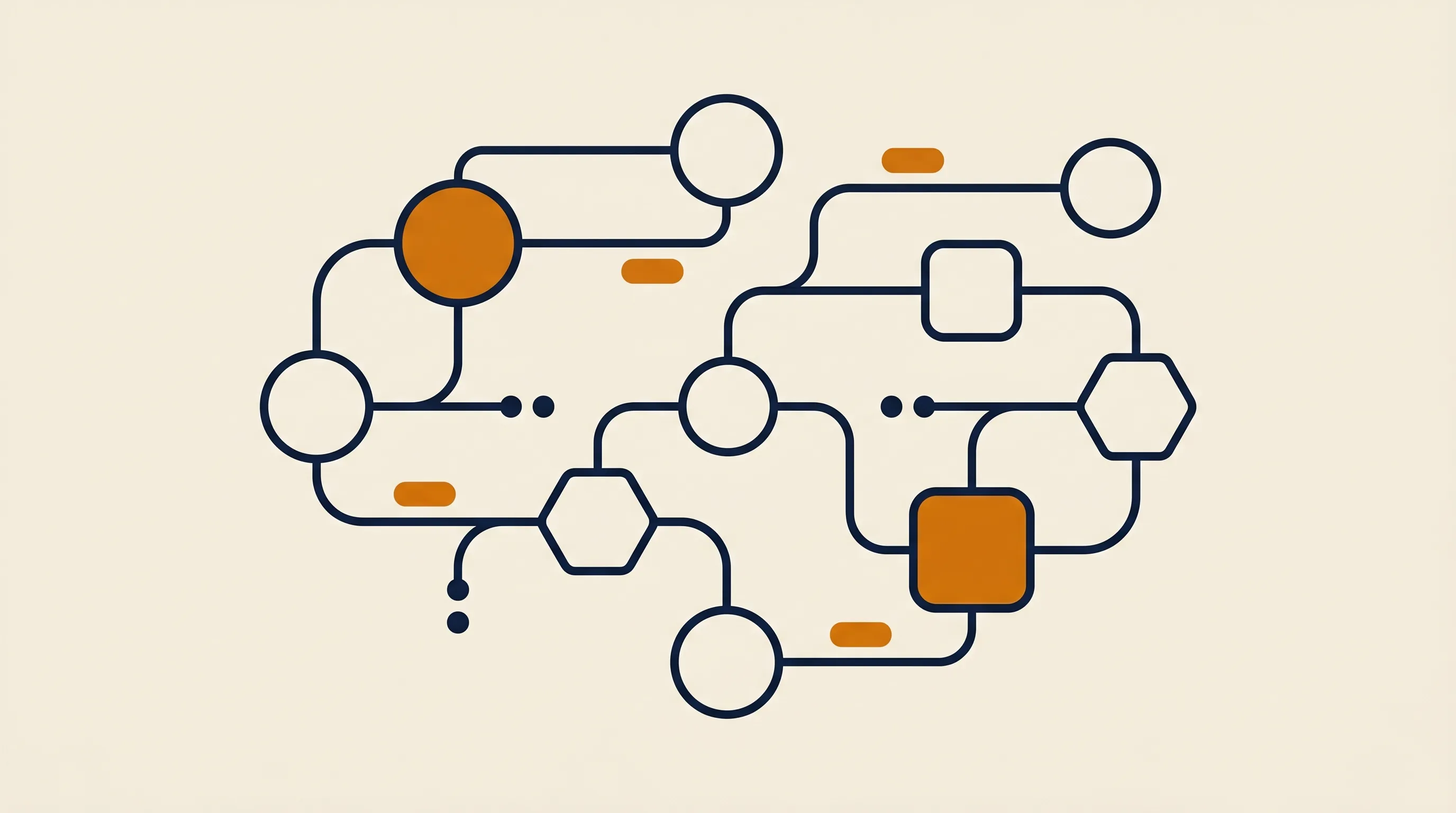
Design the agent as a loop with four parts: a planner (the LLM deciding the next action), tools (functions the agent can call), memory (what it knows about the current task and past ones), and a controller (your code or platform deciding when to stop). Keep these separate so each can be tested on its own.
The most common architecture for a first build is the single-agent tool-use loop: one model, a list of tools described in the system prompt, and a runner that executes whatever tool the model asks for and feeds the result back. This is the pattern behind most production agents and it is the one we reach for first.
Reach for a more complex shape only when the simple loop breaks down:
- Router pattern when the agent handles many unrelated request types — route to a specialized sub-prompt first.
- Planner-executor when tasks need a multi-step plan up front before any tool runs.
- Multi-agent when genuinely distinct roles (researcher, writer, checker) each need their own tools and prompt.
Each layer adds latency, cost, and failure surface. Add it only when a real failure forces you to.
Tools are functions the agent can call — search a database, send an email, hit an API, run a calculation. You expose each tool to the model with a name, a description, and a typed schema for its inputs, and the model decides when to call it. This is called function calling or tool use, and it is what separates an agent from a text generator.
Here is a minimal tool definition in JavaScript using the OpenAI-style tool schema, which most providers now support:
const tools = [
  {
    type: "function",
    function: {
      name: "get_open_invoices",
      description: "Return all unpaid invoices for a customer by their email address.",
      parameters: {
        type: "object",
        properties: {
          email: { type: "string", description: "Customer email address" }
        },
        required: ["email"]
      }
    }
  }
];
The description matters more than the code. The model picks tools by reading these descriptions, so write them like instructions to a new hire: say exactly what the tool does, what it needs, and when to use it.
Give each tool one job. A get_open_invoices tool that only reads is far safer than a manage_invoices tool that can also delete. Narrow tools are easier for the model to choose correctly and easier for you to reason about when something goes wrong. Return clear errors, too — if a tool fails, hand the model a readable message so it can recover instead of guessing.
The system prompt is the agent's job description, operating manual, and rulebook in one. Write it in this order: who the agent is, what its goal is, what tools it has and when to use each, the rules it must never break, and the format of its final answer. Be specific; vague prompts produce vague agents.
A reliable structure looks like this:
You are an accounts-payable assistant for a mid-size agency.

GOAL: Given a customer email, find their open invoices and draft a
polite payment reminder. Do not send anything.

TOOLS:
- get_open_invoices(email): read unpaid invoices. Call this first.
- draft_reminder(invoice_ids): produce reminder text for review.

RULES:
- Never invent invoice numbers or amounts.
- If no open invoices exist, say so and stop.
- Always end by handing the draft to a human for approval.

OUTPUT: A short summary plus the draft, in plain text.
Notice the explicit "do not send" and "hand to a human" lines. Constraints belong in the prompt, not just in your code, because the model uses them to decide its actions.
Do not polish the prompt in the abstract. Run the agent on real inputs, watch where it misbehaves, and add a rule that addresses that specific failure. Most strong agent prompts are grown one failure at a time, not written perfectly on the first pass.
The loop is the engine: send the conversation to the model, check whether it wants to call a tool, run the tool if so, append the result, and repeat until the model returns a final answer or you hit a step limit. Here is the shape of it in pseudocode-flavored JavaScript:
async function runAgent(goal) {
  const messages = [
    { role: "system", content: SYSTEM_PROMPT },
    { role: "user", content: goal }
  ];

  for (let step = 0; step < 8; step++) {
    const res = await llm.chat({ messages, tools });
    const msg = res.choices[0].message;
    messages.push(msg);

    if (!msg.tool_calls) return msg.content; // final answer

    for (const call of msg.tool_calls) {
      const result = await runTool(call.function.name, call.function.arguments);
      messages.push({
        role: "tool",
        tool_call_id: call.id,
        content: JSON.stringify(result)
      });
    }
  }
  return "Stopped: step limit reached.";
}
The step < 8 cap is not optional. Without a hard ceiling, a confused agent will loop forever, burning tokens and money. A step limit plus a clear stop condition in the prompt are your two most important safety rails.
When runTool throws, do not crash the loop. Catch the error, push it back as the tool result, and let the model decide whether to retry, pick a different tool, or give up gracefully. Agents that read their own error messages recover far more often than agents that get a stack trace.
You build a no-code AI agent on a visual platform where each node is a trigger, a tool, or the model call, and you wire them together on a canvas instead of in a for loop. The reasoning, tools, and memory are the same concepts — you just configure them in a UI. This is the fastest path from idea to working agent.
Platforms like n8n let you drop an AI Agent node, attach tool nodes (HTTP requests, database queries, email actions), and connect a model — then trigger the whole thing from a webhook or schedule. The platform handles the loop for you.
- Choose no-code for internal automations, fast iteration, and connecting existing SaaS apps. You will ship in hours, not weeks.
- Choose code when you need custom logic the platform can't express, strict latency control, or the agent is a product feature you ship to customers.
Many teams do both: prototype the agent no-code to prove the use case, then port the proven loop to code if it becomes load-bearing. Our comparisons of no-code AI agent platforms and code-first AI agent frameworks break down the trade-offs of each route in detail.
How do you add memory and context to an AI agent?
An agent has two kinds of memory: short-term (the running conversation and tool results for the current task) and long-term (facts it should remember across runs, usually stored in a database or vector store). Start with short-term only — most first agents do not need long-term memory at all.
When you do need long-term recall, the common pattern is retrieval: before the agent reasons, you fetch relevant facts from a store and inject them into the prompt. This keeps the context window small and the answers grounded in your data rather than the model's training.
Teams routinely bolt on a vector database before they have a working agent. Resist it. If your agent's task fits in a single conversation, the conversation is the memory. Add retrieval only when the agent demonstrably needs facts it cannot fit in one prompt — and even then, a plain database lookup through a tool is often enough.
Test an AI agent the way you would test a new hire on a probation period: give it a fixed set of real tasks with known correct outcomes, run it, and score how often it gets them right. Build this evaluation set before you ship, not after the first incident.
Concretely, collect 20 to 50 representative inputs, write down what a good response looks like for each, and run the agent against all of them whenever you change the prompt or a tool. This catches regressions — the change that fixes one case and silently breaks three others.
- Task success rate — did it achieve the goal? This is the headline number.
- Tool-call accuracy — did it pick the right tools in the right order?
- Safety violations — did it ever break a hard rule (send when told not to, invent data)?
- Cost and latency per task — is it affordable and fast enough to be useful?
A 95% success rate with a human approving the last step beats a 99% fully autonomous agent that fails silently. Design for the failures you can catch.
The biggest mistake is giving the agent too much autonomy too early — letting it send, pay, or delete before you trust it. The second is too many tools: an agent with twenty tools chooses worse than one with four. Both come from skipping the boring scoping work.
- No step limit, so a confused agent loops until it drains the budget.
- Vague tool descriptions, so the model guesses and calls the wrong one.
- No evaluation set, so every prompt change is a blind gamble.
- Skipping the human checkpoint on actions that are expensive to reverse.
- Treating the model as the product when the tools and guardrails are 80% of the work.
If you understand the difference between an agent and a single model call — covered in our primer on what an AI agent actually is — most of these mistakes become obvious to avoid.
A scoped, single-purpose agent with a human approval step can go from idea to production in days, not months — the timeline depends almost entirely on how clean your data and APIs are, not on the model. The reasoning layer is the easy part now; the integration work is what takes time.
In our experience, the projects that stall are the ones with no clear success metric or no API access to the data the agent needs. When the use case is sharp and the data is reachable, the build moves fast. At TaskifyLabs we ship production automations and agents in around 14 days precisely because we spend the first conversation killing vague scope before any code is written. If you want that done for you, that is exactly what our AI agent development service is for.
Building an AI agent is less about the model and more about disciplined scoping, narrow tools, clear rules, and an evaluation set you trust. Start with one repetitive task, build the simplest loop that solves it, keep a human on the irreversible actions, and grow the agent one caught failure at a time. Do that, and your first agent will not be a flashy demo — it will be a quiet, dependable teammate that earns the right to do more.