AI Agents

No Code AI Agent Platforms: Honest 2026 Picks

Compare the best no code ai agent platforms in 2026 — n8n, Zapier, Make, Voiceflow and more. Honest pros, cons and pricing. Find your best-fit builder today.

S
Santhej Kallada
Founder, TaskifyLabs
Updated June 21, 2026
11 min read
Featured image for: No Code AI Agent Platforms: Honest 2026 Picks

A no code ai agent platform lets you build an autonomous AI system — one that reads inputs, decides what to do, and calls real tools — without writing the orchestration code yourself. The category exploded in 2025, and most of what gets marketed as a "no-code AI agent builder" is really a chatbot with a fancy label. This guide cuts through that. We compare the platforms that actually let non-developers ship working agents, where each one shines, where each one quietly breaks, and which we reach for on real client work.

Verdict up front: if you want the most capable no code ai agent builder that still scales into production, n8n is our default pick — visual, self-hostable, with native LLM and agent nodes. For the simplest possible on-ramp, Zapier Agents and Make get you live in an afternoon. For pure conversational agents, Voiceflow and Botpress lead. There is no single winner; the right tool depends on whether you optimize for ease, control, or cost.

What is a no code ai agent platform, and who is it for?

A no code ai agent platform is software that lets you assemble an AI agent through a visual interface — drag-and-drop nodes, forms, and toggles — instead of hand-writing Python or JavaScript. You define a goal, connect a language model, wire up the tools the agent can use (email, a CRM, a database, a web search), and the platform runs the decision loop for you.

The audience is clear: operations leads, marketers, founders, and technical-but-not-engineer people who understand their process better than any developer would, and want to automate it themselves. If you can map a workflow on a whiteboard, you can build an agent on one of these tools. That is the whole promise of no-code ai agents — domain expertise becomes the bottleneck, not coding ability.

A quick boundary check before you start: an agent is not the same as a linear automation. If your process is a fixed "when X happens, do Y" sequence, you may not need an agent at all — a plain workflow is cheaper and more reliable. Agents earn their keep when the next step genuinely depends on reasoning over messy input. We unpack that distinction in our guide to what an AI agent actually is.

Which no code ai agent builder should you pick first?

If you are choosing your first no code ai agent builder, weigh three things: how fast you can ship something useful, how much control you keep over data and logic, and how the pricing behaves as volume grows. Below we break down the platforms we see teams actually deploy, with honest pros and cons for each. We have built production agents on several of these, so the trade-offs are observed, not theoretical.

n8n — the most capable visual builder

n8n is an open-source workflow tool that has grown a serious agent layer: a dedicated AI Agent node, LangChain integration, vector-store nodes, and a tool-calling model that lets an agent pick from hundreds of integrations.

Pros:

  • Self-hostable, so your data and prompts never have to leave your infrastructure.
  • Native agent and LLM nodes — you are not bolting AI onto a generic automation tool.
  • Generous logic: branching, loops, error handling, and a Code node for the 5% no-code can't express.
  • Predictable cost when self-hosted; you pay for a server, not per task.

Cons:

  • Steeper learning curve than the consumer tools — it rewards people who think in flows.
  • Self-hosting means you own updates, backups, and security patches.
  • The visual canvas can get dense on complex agents.

n8n is our default for clients who want an agent that survives contact with real volume. It is the bridge between true no-code and the power of a code-first stack.

Zapier Agents — the fastest on-ramp

Zapier layered an agent product on top of its enormous integration catalog. If your tools already connect to Zapier, you can describe a goal in plain language and have a working agent in minutes.

Pros:

  • The widest app catalog in the market — almost everything you use is already supported.
  • Truly no-code; the on-ramp is gentler than any competitor's.
  • Tight fit if you already live inside Zapier Zaps.

Cons:

  • Task-based and usage pricing climbs fast at volume.
  • Hosted only — no self-hosting, limited control over data residency.
  • Less flexible logic than n8n for multi-step, branching agents.

Make — the visual middle ground

Make (formerly Integromat) offers a polished visual canvas with AI modules and a large integration library. It sits between Zapier's simplicity and n8n's depth.

Pros:

  • Attractive, intuitive canvas that maps cleanly to how people picture workflows.
  • Strong integration coverage and reasonable per-operation pricing at small scale.
  • Good for visual thinkers who want more branching than Zapier allows.

Cons:

  • Hosted only; you cannot self-host for data control.
  • Per-operation billing can surprise you when an agent loops many times.
  • Agent tooling is newer and less battle-tested than n8n's.

Voiceflow and Botpress — conversational agent specialists

If your agent is fundamentally a conversation — a support bot, a lead-qualification chat, a voice assistant — these purpose-built tools beat the general automation platforms.

Pros:

  • Designed around dialogue: turn-taking, intent handling, and channel deployment (web, WhatsApp, voice) are first-class.
  • Strong testing and analytics for conversational flows.
  • Faster to a polished chat experience than wiring one up in n8n.

Cons:

  • Narrower scope — less suited to back-office agents that touch databases and run silent jobs.
  • You may still need a separate automation layer behind the conversation.

Flowise and Langflow — open-source, LLM-native

These are open-source, visual builders aimed squarely at LLM apps: RAG pipelines, retrieval, and agentic chains. They are no-code on the surface but assume more AI literacy.

Pros:

  • Free and self-hostable; full control of the stack.
  • Purpose-built for retrieval-augmented generation and LLM chaining.

Cons:

  • Fewer business-app integrations than n8n or Zapier — you often write glue for the last mile.
  • Best suited to teams who already understand embeddings and vector stores.
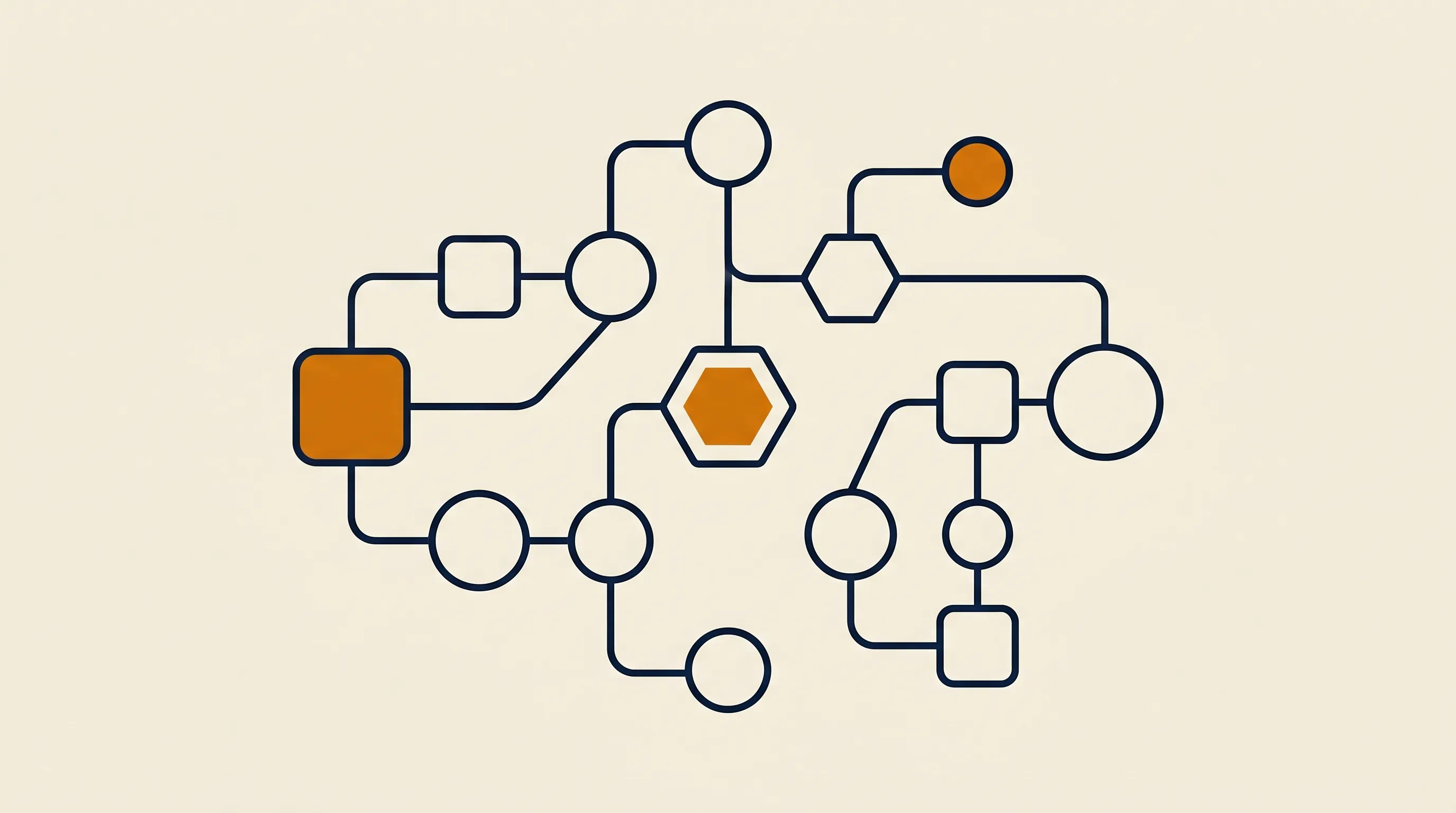
How do you build ai agents without code, step by step?

The platforms differ, but the method to build ai agents without code is consistent. We use this sequence on every engagement.

  1. Write the goal as one sentence. "Read inbound support emails, resolve refund requests under $50, escalate the rest." Vague goals produce vague agents.
  2. List the tools the agent needs. Email read/send, your order database, a refund API. The agent is only as capable as the tools you grant it.
  3. Pick a trigger. A new email, a webhook, a schedule, a form submission. This is what wakes the agent up.
  4. Choose and configure the model. Connect an LLM and write a system prompt that states the goal, the constraints, and the tone. This is where most of the quality lives.
  5. Wire the tools as nodes. In a visual builder, each tool is a node the agent can call. Grant only what it needs — least privilege keeps it safe.
  6. Add a human checkpoint. For anything money-moving or customer-facing, route low-confidence cases to a person before action.
  7. Test on real, messy data. Demo inputs lie. Feed it last week's actual emails and watch where it stumbles.
  8. Ship narrow, then widen. Launch on one inbox or one queue, prove it, then expand scope.

That discipline — narrow scope, real tools, a human in the loop on risky actions — is what separates an agent that runs for a year from one that gets switched off in week two. For a deeper, framework-level walkthrough, see our guide on how to build an AI agent.

How does a no code ai agent differ from a coded one?

A no code ai agent and a code-first agent run the same underlying loop — perceive, decide, act, observe, repeat. The difference is who writes the orchestration and how much of the edge case you can reach.

No-code platforms give you 90% of the capability with 10% of the effort. You trade some flexibility for speed: the platform decides how retries, memory, and error handling work, and you live inside those rails. For most business processes, those rails are exactly what you want — fewer ways to break.

Code-first agents, often built on frameworks like LangChain or the OpenAI Agents SDK, give you total control: custom memory, novel tool logic, fine-grained cost optimization. The cost is engineering time and ongoing maintenance. If you are building a software product with agents at its core, that control matters. If you are automating a recurring task inside your business, it rarely does. Many teams who think they need to write code from scratch are surprised how far a visual tool gets them — and how much faster.

Are no code ai agents reliable enough for production?

Yes — with caveats. No-code ai agents are absolutely production-ready for well-scoped tasks; we run client agents on these platforms every day. Reliability is mostly a function of scope and guardrails, not of whether you wrote code.

The failures we see are rarely platform failures. They are scope failures: an agent asked to do too much, with too many tools and no human checkpoint, on input it was never tested against. A tightly scoped agent — one job, the minimum set of tools, a confidence threshold that escalates ambiguous cases — runs reliably on any of the platforms above.

The most reliable agent is a boring one: narrow goal, few tools, a clear stop condition, and a human reviewing anything it's unsure about.

Build observability in from day one. Log every decision and every tool call. When the agent does something odd, you want to read the trace, not guess. That habit costs nothing on these platforms and saves entire afternoons of debugging.

How much do no code ai agent platforms cost?

Pricing splits into two camps, and the camp matters more than the sticker price.

  • Usage-based (Zapier, Make): you pay per task, operation, or agent action. Cheap to start, predictable at low volume, and prone to climbing sharply once an agent loops frequently or scales to many runs a day.
  • Self-hosted (n8n, Flowise, Langflow): the software is free or near-free; you pay for a server and your own time to run it. Flat and cheap at high volume, but you absorb maintenance.

On top of either, you pay the LLM provider directly for tokens — that is a separate line whichever platform you choose, and it usually dwarfs the platform fee at scale. A rough rule: below a few thousand actions a month, a hosted plan is simplest; above that, self-hosting almost always wins on cost. For the n8n side of that math specifically, our breakdown of n8n cloud pricing versus self-hosted walks the numbers.

What are the most common mistakes when building no-code agents?

We see the same handful of mistakes sink projects, regardless of platform.

  • Building an agent when a workflow would do. If the path never changes, you do not need reasoning — a deterministic automation is cheaper and more reliable.
  • Granting too many tools. Every tool is a way to misbehave. Start with the minimum and add only when a real task demands it.
  • Skipping the human checkpoint on risky actions. Money movement, customer emails, and deletions should pause for approval until the agent has earned trust.
  • Testing on clean demo data. Real inputs are messy, contradictory, and incomplete. Test on those or get surprised in production.
  • No logging. Without a decision trace, every failure becomes a mystery. Turn on observability before launch, not after the first incident.

Avoid those five and you are ahead of most teams shipping agents today.

When should you bring in help instead of building it yourself?

No-code platforms are genuinely empowering, but there is a line where DIY stops paying off. Bring in help when the agent touches money or compliance, when it must integrate with a system that has no clean API, or when downtime would cost more than the build.

This is where an outside team earns its fee: not by writing magic code, but by knowing which scope is safe, which guardrails are non-negotiable, and how to make an agent boringly reliable. At TaskifyLabs we ship production automations and agents in around 14 days, typically built on the same no-code and low-code platforms above so your team can own and extend them afterward. You can see how that works on our AI agents service page. The goal is never to lock you into us — it is to hand back an agent your operators can actually run.

If your need leans toward writing software around agents rather than configuring them, the calculus shifts toward code; our overview of AI coding agents covers that end of the spectrum.

To go deeper on the concepts and adjacent tooling:

  • What is an AI agent? — the core definition and the perceive-decide-act loop, explained without jargon.
  • What is agentic AI? — how autonomous, goal-driven systems differ from ordinary automation.
  • AI coding agents — for when your agent needs to read and write code, not just call business tools.

The bottom line on choosing a no code ai agent platform

The honest takeaway is that the platform matters less than the discipline you bring to it. A well-scoped agent on Zapier beats a sprawling, over-ambitious one on n8n every time. Start by writing the goal in a single sentence, grant the agent only the tools that sentence requires, keep a human in the loop on anything risky, and test on real data before you widen the scope.

Choose the platform that fits your constraint: Zapier or Make for the fastest start, n8n when you need control and headroom to scale, Voiceflow or Botpress for conversation-first agents, and the open-source builders when you want to own every layer. The best no code ai agent platform is simply the one your team will actually maintain — because an agent nobody trusts to run unattended is just an expensive demo.

S
Written by
Founder, TaskifyLabs
Read more from Santhej

Questions

People also ask

For ops teams

Ready to ship in 14 days?

20-minute scoping call. Fixed-price quote on the call. Live software in 14 days.

Or read more for ops teams