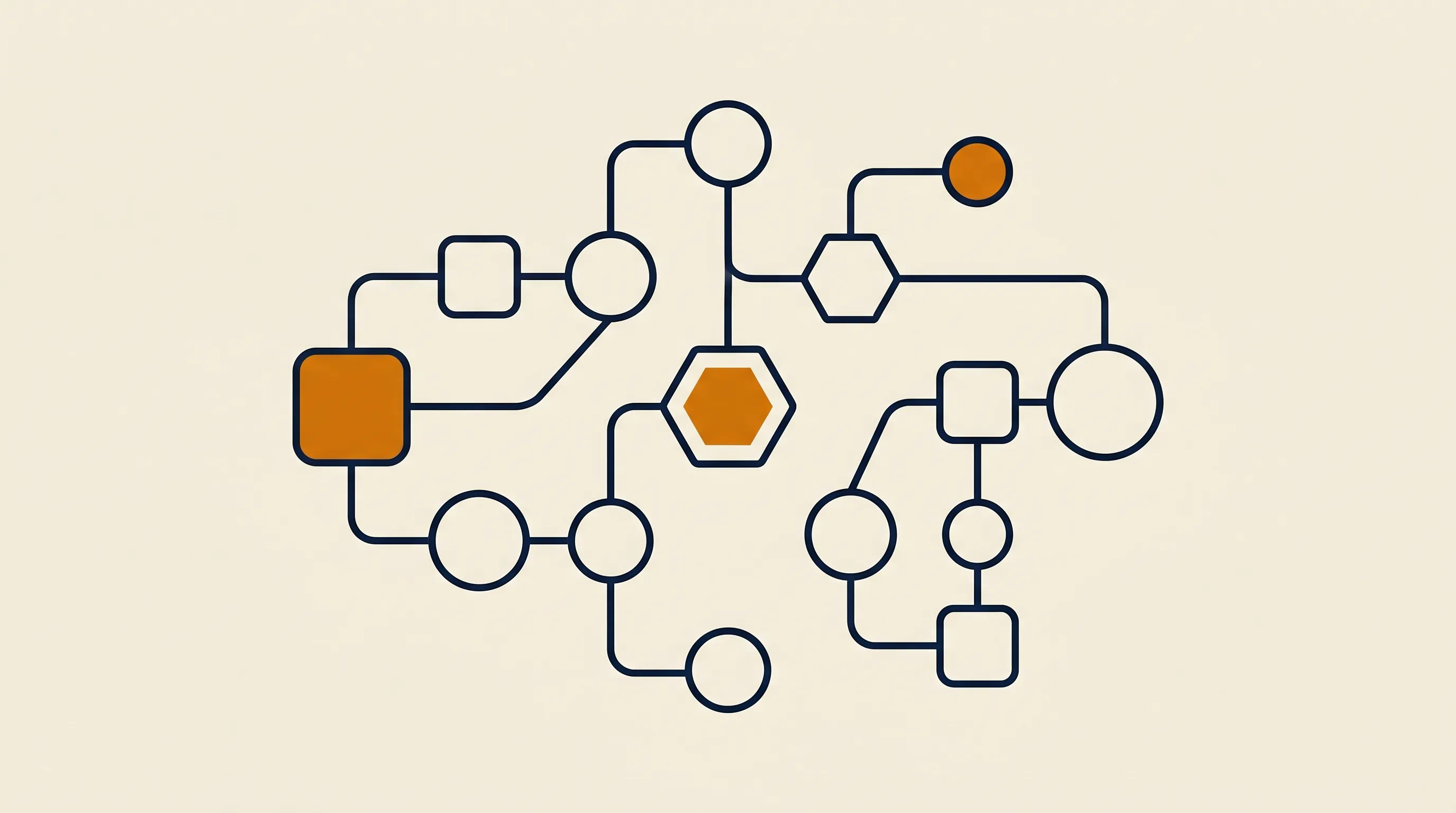
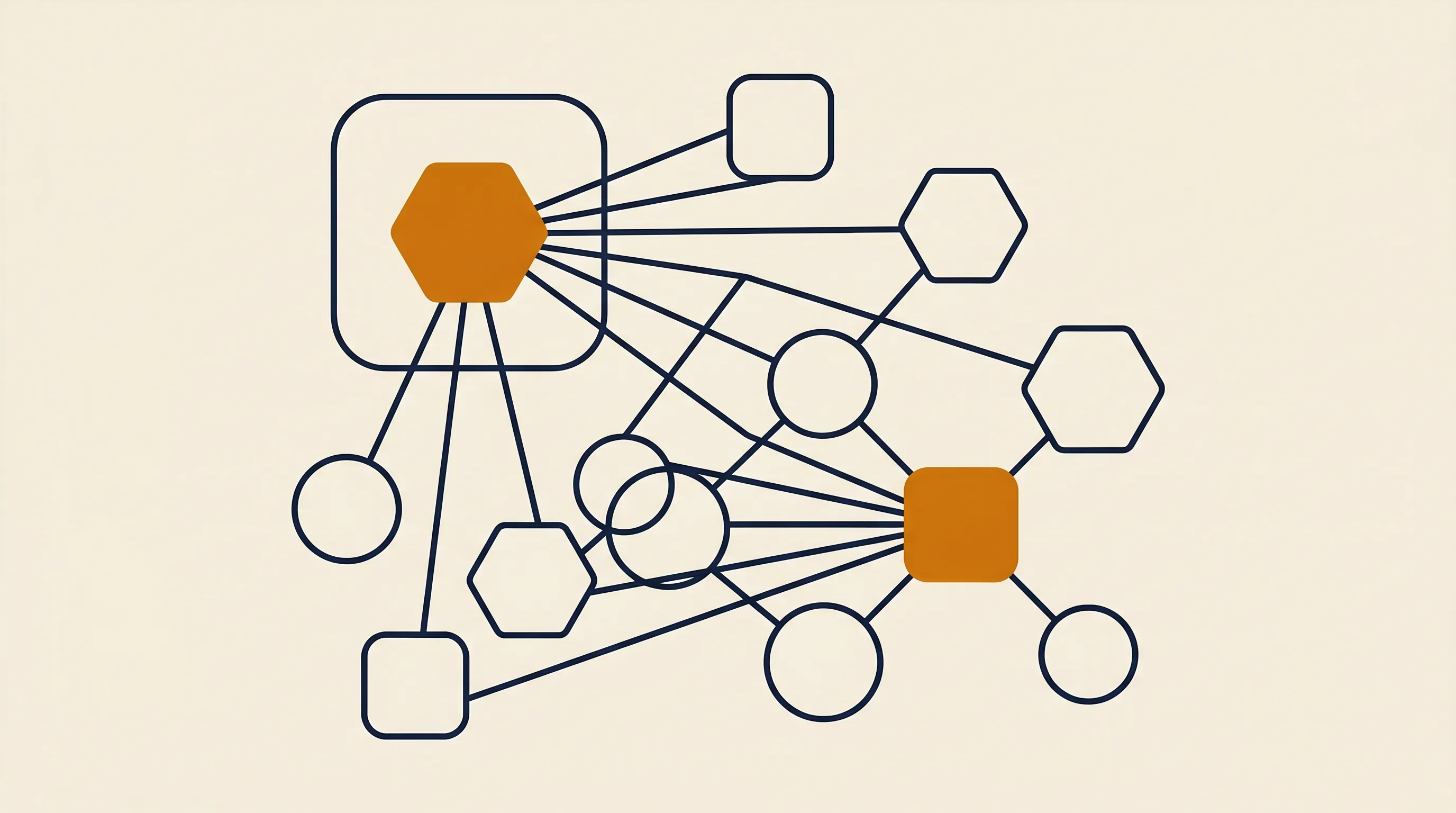
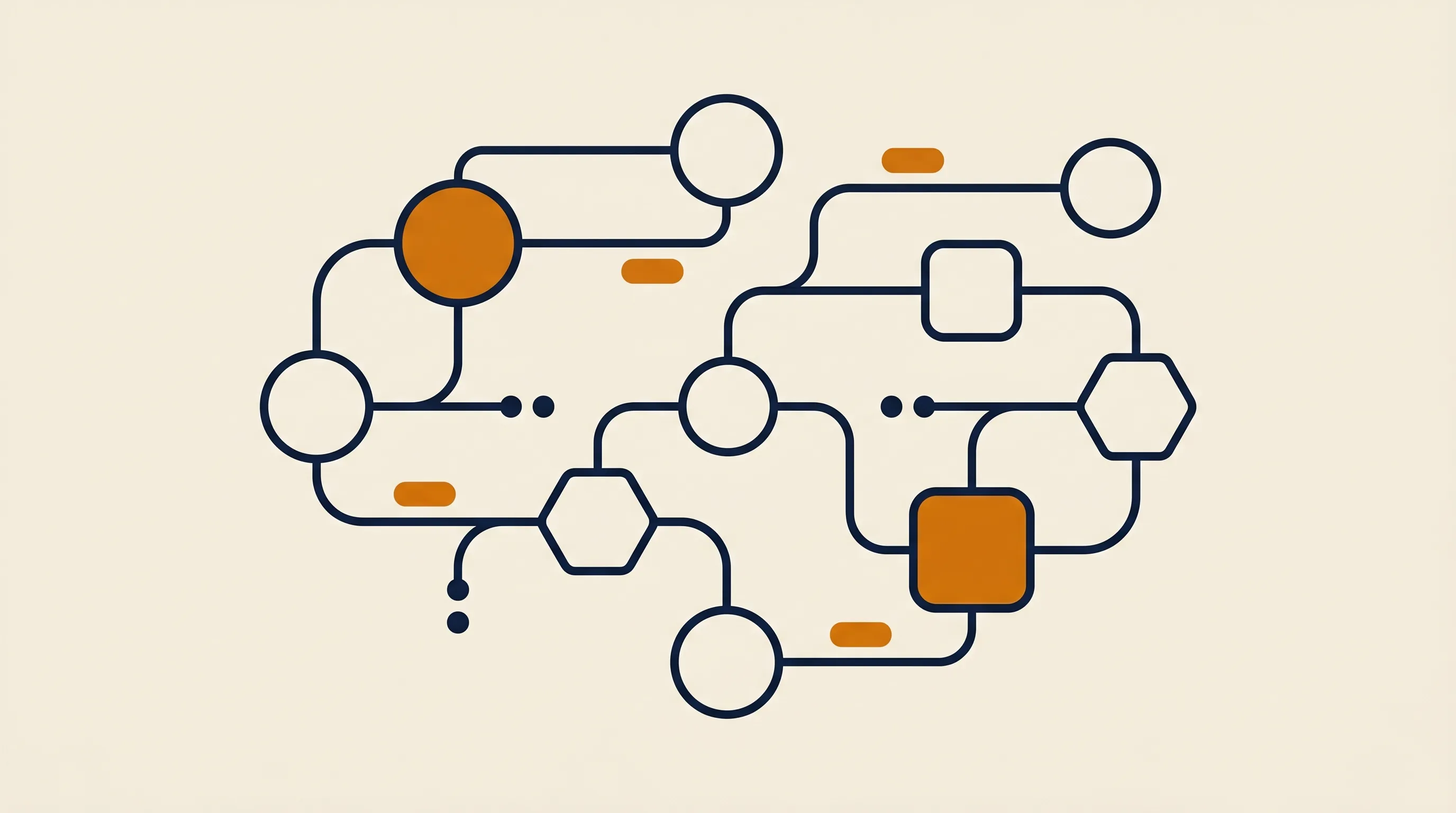
Almost every AI agent example runs the same core loop, regardless of framework. Understanding it demystifies the whole category.
- Perceive: the agent receives input — an email, a webhook, a user message, a row in a database.
- Decide: a large language model reasons about the goal and picks the next action. This is the "brain."
- Act: the agent calls a tool — search the web, query a database, send an email, run code.
- Observe: it reads the tool's result and feeds that back into the next decision.
- Repeat: the loop continues until the goal is met or a stop condition fires.
The model itself can't do anything — it can only emit text. The power comes from tools: functions the agent is allowed to call. A weather agent without a weather API is just a confident guesser. The same model with the right tools becomes genuinely useful.
Memory and context
Real agents need memory. Short-term memory holds the current conversation; long-term memory (often a vector database) lets the agent recall past interactions, company knowledge, or prior decisions. Without memory, every run starts from zero and the agent feels amnesiac.
Production agents wrap that loop in guardrails: maximum iteration limits so it doesn't spin forever, human approval steps before irreversible actions, and validation on tool outputs. These boring details separate a reliable agent from one that emails 400 customers by accident.
Customer service is where AI agents earn their keep fastest, because the volume is high and the patterns repeat.
A strong example: a support agent connected to your help desk and order database. A customer writes "my package never arrived." The agent looks up the order, checks the carrier's tracking status via an API, confirms the package is genuinely lost, and — within a policy you define — issues a replacement and sends a confirmation. For anything outside policy, it drafts a response and hands off to a human with full context attached.
What makes this work is scope. The agent doesn't try to handle every conceivable ticket. It handles the top three or four high-volume categories autonomously and escalates the rest. That's a real AI agent use case, not a science project. The escalation path is the feature, not a failure.
Sales and marketing offer some of the most repeatable AI agent examples because the work is structured and the payoff is measurable.
- Lead-qualification agent: when a form is submitted, it enriches the contact with firmographic data, scores fit against your ICP, and routes hot leads to a rep while nurturing the rest.
- Outbound research agent: it reads a target account's website and recent news, then drafts a personalized opener a human reviews before sending.
- Content-repurposing agent: it takes a long blog post and produces tailored social variants, an email summary, and a short script — all in your brand voice.
These agents shine when they're embedded in a real funnel rather than running in isolation. If you're mapping which sales tasks to hand off first, our breakdown of no-code AI agents covers how non-technical teams ship these without writing a backend. We build exactly these kinds of revenue-facing agents through our AI agent development service, so the deployment patterns here come from production systems, not slides.
The least glamorous AI agent examples are often the most valuable, because back-office work is expensive and error-prone.
An accounts-payable agent reads incoming invoices (PDF or email), extracts vendor, amount, and line items, matches them against purchase orders, flags discrepancies, and posts clean entries to your accounting tool. A human reviews only the exceptions. This single agent can absorb hours of manual data entry per week.
Connect an agent to your company wiki, Slack history, and policy docs, and employees can ask "what's our refund policy for enterprise customers?" and get a sourced answer instantly. This is a retrieval-augmented agent — it grounds every answer in your real documents rather than guessing.
An ops agent monitors a shared inbox, detects meeting requests, checks calendars, and proposes times — closing the loop without a human playing email tennis. Small, but it compounds across a team.
Coding agents are among the most mature real-world AI agents, and they're a useful template for how far autonomy can go.
A coding agent receives a task ("fix the failing checkout test"), reads the relevant files, forms a hypothesis, edits code, runs the test suite, reads the failures, and iterates until tests pass — then opens a pull request for human review. The loop is identical to every other agent: perceive, decide, act, observe, repeat. The tools just happen to be a file system, a shell, and a test runner.
Here's a stripped-down sketch of what the decide-act step looks like in code, so the loop feels concrete rather than magical:
// Simplified agent loop
async function runAgent(goal, tools) {
  let context = [{ role: "user", content: goal }];
  for (let step = 0; step < MAX_STEPS; step++) {
    const decision = await llm.decide(context, tools);
    if (decision.type === "final_answer") {
      return decision.answer;
    }
    // Agent chose a tool — execute it and feed the result back
    const result = await tools[decision.tool](decision.args);
    context.push({ role: "tool", name: decision.tool, content: result });
  }
  throw new Error("Agent exceeded step budget");
}
The MAX_STEPS budget is one of those quiet guardrails — it stops a confused agent from looping forever and burning tokens. If you're choosing what to build agents with, our comparison of AI agent frameworks walks through the trade-offs between writing this loop yourself and adopting a framework that ships it for you.
Not every useful agent is a sprawling autonomous system. It helps to think in tiers of complexity.
The simplest real-world AI agents do one thing well: a calculator agent, a single-API lookup agent, a "summarize this document" agent. They use one tool and rarely loop more than once or twice. These are reliable precisely because their scope is tiny.
These are the workhorses — the support, sales, and ops examples above. They have a handful of tools and loop until the goal is met. Most production value lives here.
The frontier examples use multiple specialized agents that hand work to each other: a "planner" agent breaks a goal into subtasks, "worker" agents execute each one, and a "reviewer" agent checks the output. Powerful, but harder to debug and easier to over-engineer.
Our honest advice: start at the multi-tool tier. Most teams reaching for a multi-agent architecture would get 90% of the value from one well-scoped agent. Complexity is a cost, not a feature.
The AI agent examples above are built on a small stack of choices: a model, an orchestration layer, tools, and memory.
For teams without engineering resources, no-code builders let you assemble agents visually — useful for getting a working agent in front of users in days. For teams that need full control over logic, latency, and cost, code frameworks are the better fit. We compare the leading options in our guide to AI agent platforms, and if you specifically want a drag-and-drop route, the no-code AI agent platforms roundup is the place to start.
A pragmatic stack we often deploy looks like this:
- Model: a capable general-purpose LLM as the reasoning brain.
- Orchestration: a workflow tool like n8n to wire triggers, tools, and human-approval steps without bespoke infrastructure.
- Tools: your real APIs — CRM, help desk, database, email.
- Memory: a vector store for company knowledge, plus conversation state.
The platform matters less than the fit between the agent's scope and your actual workflow. A perfect framework wrapped around a vague goal still fails.
Studying AI agent examples is only half the battle — copying their mistakes is the other risk. The patterns we see fail most often:
- Scope creep: trying to build one agent that does everything instead of one agent that does one job reliably. Narrow agents ship; broad agents stall.
- No human-in-the-loop on irreversible actions: letting an agent send money, delete records, or email customers without an approval gate. Add a checkpoint before anything you can't undo.
- Skipping evaluation: deploying without a test set of real inputs, so you have no idea whether the agent is right 95% of the time or 60%.
- Giving an agent tools but no clear stop condition: agents that loop indefinitely or hallucinate a "done" state burn budget and trust.
- Treating the model as the product: the model is one component. The tools, data quality, and guardrails determine whether the agent is useful.
In our experience, the agents that succeed are boring in the best way: tightly scoped, well-monitored, and honest about when to escalate to a person.
The gap between an inspiring AI agent example and a working one is smaller than most teams assume. Pick a single high-volume, repetitive task — inbox triage, lead enrichment, invoice matching — and define exactly what the agent reads, what it's allowed to write to, and where a human signs off. Wire it to your real tools, test it against a handful of real inputs, and only widen its scope once it earns trust on the narrow version.
The examples in this guide all started narrow. A support agent that handled three ticket types became one that handled twelve. A coding agent that fixed failing tests grew into one that shipped features. Autonomy is earned incrementally, not switched on. Start with the smallest example that would genuinely save your team time this week, instrument it so you can see when it's wrong, and let the results — not the hype — decide how far you let it run.