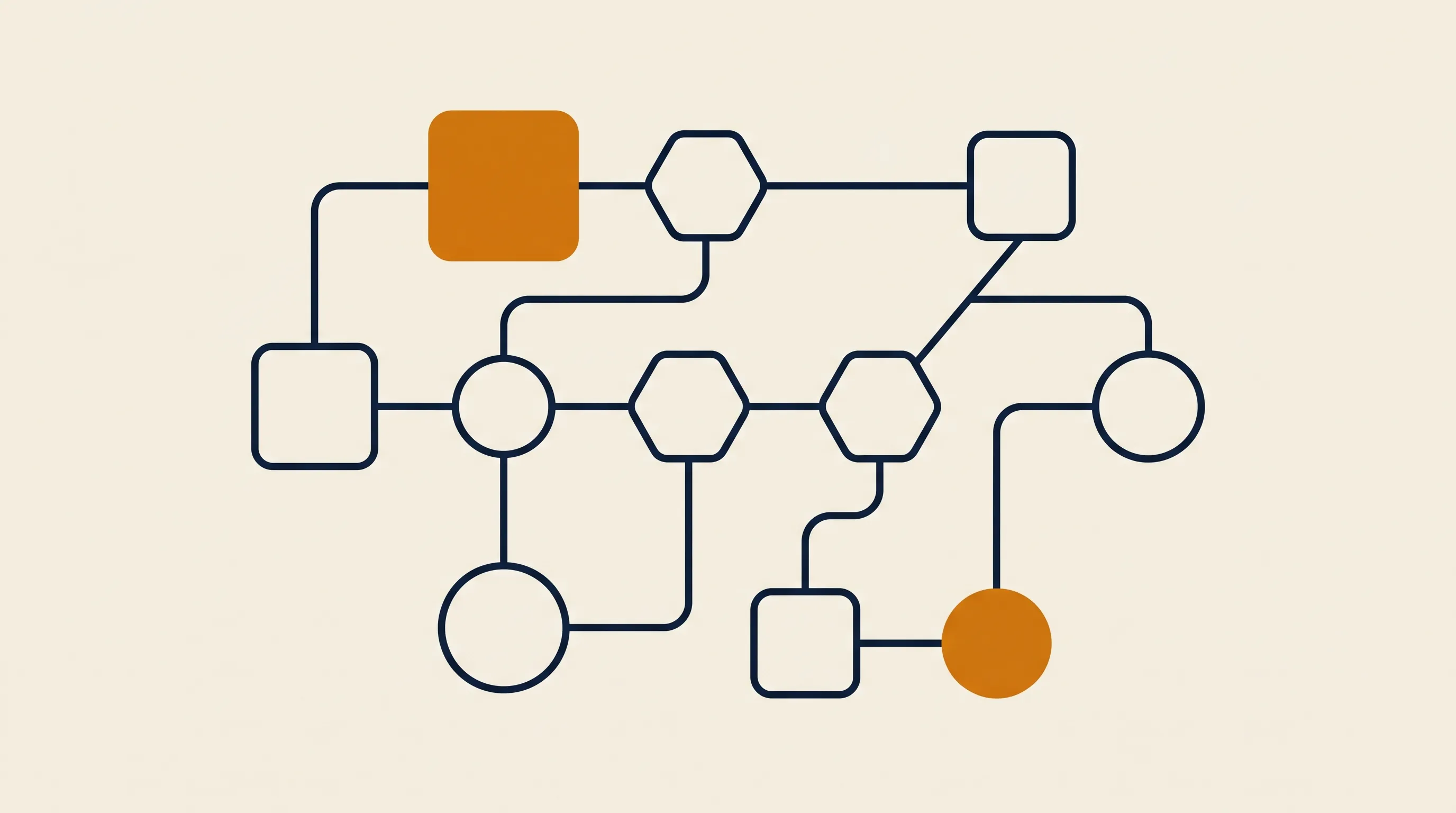
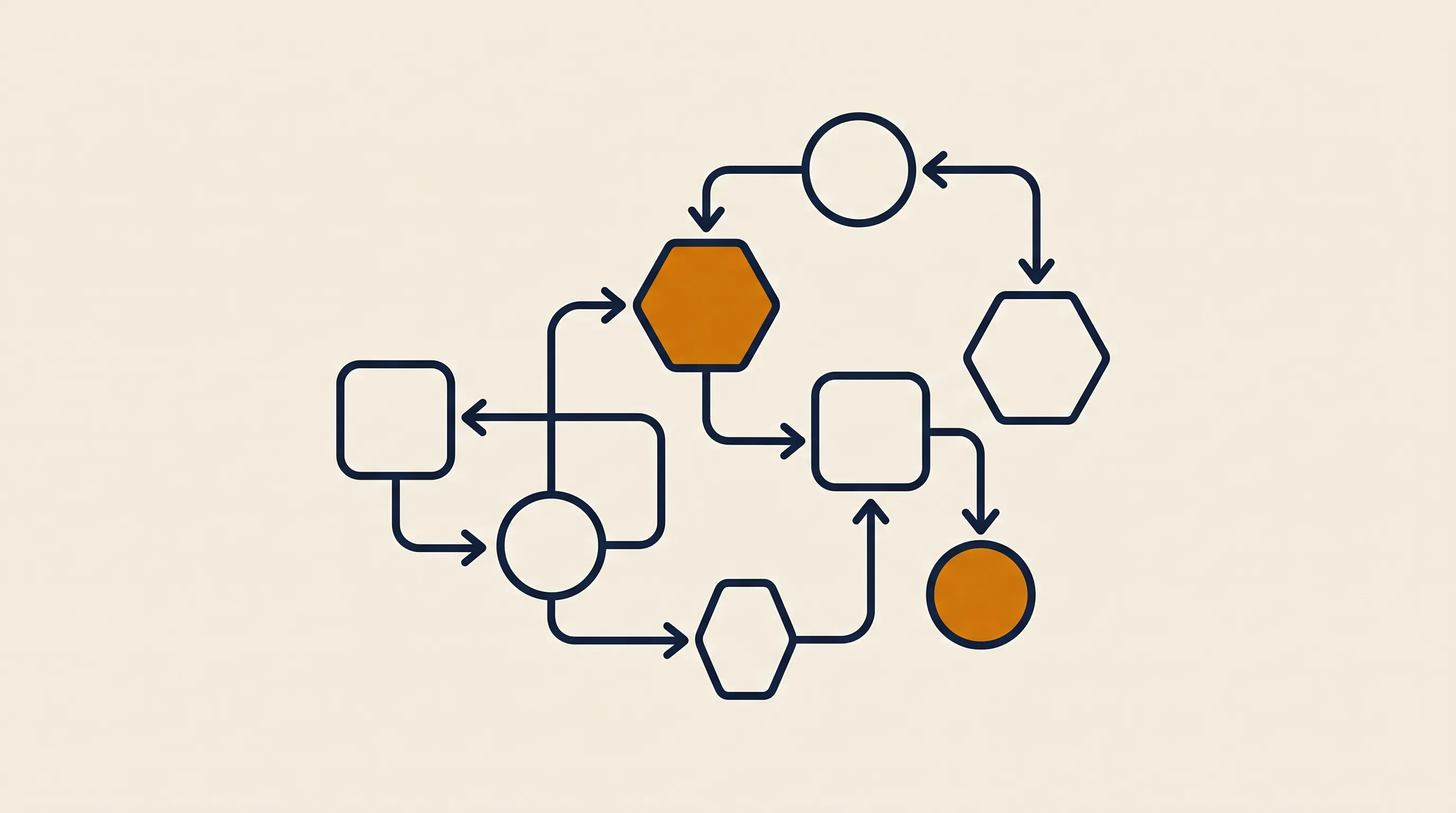
Every sales automation we ship follows the same three-part skeleton, regardless of industry: a trigger, a decision, and an action.
Something starts the workflow. A form is submitted, a lead replies, a deal stage changes, a calendar event ends, a payment clears, or a daily schedule ticks over. The trigger is plumbing — but choosing the right one decides whether the automation feels instant or laggy.
This is where logic — and increasingly, AI — earns its keep. The system evaluates the input: Is this lead in our target market? What score does it get? Which rep owns this territory? Has the prospect gone quiet for seven days? Rule-based automation handles the clean, structured cases. An AI model handles the messy ones, like reading a free-text inquiry and deciding intent.
Now the system does something concrete: it creates a CRM record, assigns an owner, sends a templated-but-personalized email, books a meeting, posts a Slack alert, or drafts a reply for human approval. A typical branch routes uncertain cases to a person and lets clean cases proceed untouched. That human-in-the-loop step is what makes automation safe to run on real pipeline.
Most of these workflows are orchestrated on a workflow engine. If you want the underlying mechanics, our primer on what n8n is walks through how a single tool chains triggers, logic, and actions across your stack.
The phrase sales automation use cases covers a lot, so here are the ones that reliably pay back fastest, roughly in order of effort-to-value.
A form fill or inbound email becomes a CRM record instantly, enriched with company data, scored, and assigned to the right rep by territory or round-robin. No lead sits in an inbox for three hours. This is the backbone of lead generation automation, and it is usually the first thing we build.
Most deals die in the gap between "interested" and "decided." Automated sales follow-up automation keeps a disciplined cadence — a sequence of emails, tasks, and reminders that pauses the moment a human replies. The rep never forgets the seventh touch, because the system remembers for them.
Logging calls, updating stages, attaching notes from a transcript — this is the silent killer of rep time. Good CRM automation writes activity back automatically, so your pipeline data is current without anyone babysitting it.
When a deal hits a stage, the system can generate a quote, request an e-signature, notify finance, and create the onboarding task — turning a 30-minute manual handoff into a zero-touch one.
Not every task deserves automation, and chasing the wrong ones is how teams waste a quarter. We use four filters to pick the first project.
- Is it high-volume or high-frequency? Automating something that happens twice a month rarely pays back. Daily lead routing does.
- Is the rule clear? If you can write down exactly what should happen ("leads from these industries go to this team"), it is a great candidate. If it requires nuanced judgment every time, start with a human-in-the-loop hybrid.
- Is the cost of an error manageable? A misrouted lead is cheap to fix; an automated contract sent to the wrong party is not. Match autonomy to risk.
- Does the input arrive in a system you can hook into? If leads live in a form, an inbox, or an ad platform with an API, you can automate them. If they live on sticky notes, fix that first.
In our experience, the highest-ROI first project is almost always speed-to-lead routing plus a follow-up sequence. It is low-risk, high-frequency, and the revenue lift is immediate and measurable.
People blur these two, but the distinction is real and worth getting right, because the wrong tool sits in the wrong stage.
Marketing automation operates before a lead is sales-ready. It runs broad nurture campaigns, scores engagement, segments audiences, and warms cold contacts at scale. It is one-to-many and content-driven.
Sales automation operates after a lead is qualified, on the path to a closed deal. It is one-to-one (or one-to-few), activity-driven, and tied to a specific rep and pipeline. It cares about meetings booked, follow-ups sent, and stages advanced — not open rates.
The handoff between them is where deals leak. A common pattern we build is a clean trigger: when marketing scores a lead above a threshold, it is routed into a sales sequence automatically, with full context, so the rep does not start cold. The two systems are different jobs, but they must share one source of truth.
Classic sales automation is rule-based: if this stage, then that task. That is reliable for structured, predictable data — and it is still the majority of what we deploy. The newer layer is AI, which handles the cases rules cannot.
- Reading intent. An LLM can read a free-text inquiry — "we're a 40-person agency looking at switching providers next quarter" — and extract company size, intent, and timing into clean fields.
- Drafting personalized outreach. Instead of a rigid template, the model writes a first draft tailored to the prospect's industry and last interaction, which a rep edits and sends.
- Transcript-to-CRM. A model turns a call recording into a structured summary, next steps, and updated deal fields — eliminating the after-call admin reps hate.
- Lead scoring on messy signals. AI weighs unstructured signals (website behavior, email replies, firmographics) into a single score.
The reliability trick is forcing structured output. We do not ask a model to "summarize this lead"; we ask it to return defined fields:
{
  "company_name": "string",
  "team_size": "number",
  "intent": "high | medium | low",
  "timeline_days": "number",
  "route_to_team": "string",
  "needs_human_review": "boolean"
}
Clean JSON slots straight into the next step. Free-form prose breaks it. That single discipline is the difference between a demo and a production system.
Less time than most teams expect, if the scope is honest. A focused first workflow — one trigger, clear logic, a few actions, and a human-review branch — is typically a matter of days, not months. The work that blows out timelines is rarely the building; it is the deciding.
Where projects slow down:
- Undefined rules. "Just route the good leads" is not a spec. Nailing down exactly what "good" means is half the project.
- Dirty data. If your CRM is full of duplicates and blank fields, automation amplifies the mess. Sometimes the first job is cleanup, not automation.
- Boiling the ocean. Trying to automate the entire sales motion at once guarantees a stalled project. Ship one workflow, prove it, expand.
For teams that want this built and running rather than figured out internally, our sales automation service ships production workflows in 14 days — and that timeline holds precisely because we constrain the first build to one well-defined process.
These are the patterns we see sink first attempts, in order of frequency.
- Automating a broken process. If the manual process is confused, automating it just produces confusion faster. Fix the flow on paper first.
- No exception path. Real selling is full of edge cases. An automation with no human-review branch will eventually do something embarrassing on autopilot. Always design the escape hatch.
- Over-personalization theater. Blasting "personalized" emails that are obviously machine-written damages trust. Use automation for cadence and timing; keep genuine human judgment on the message.
- Ignoring measurement. If you cannot see contact rates, reply rates, and stage velocity before and after, you cannot prove the automation works — or fix it when it drifts.
- Tool sprawl. Buying five point-tools that do not talk to each other recreates the silos you were trying to remove. Favor a single orchestration layer that connects to everything.
The teams that win treat sales automation as an ongoing system, not a one-time setup. They start narrow, measure honestly, and expand from what works.
To go deeper on specific workflows in the sales cluster, these guides build directly on the foundation here:
Sales automation is not about replacing the human craft of selling — it is about clearing the clerical underbrush so that craft has room to work. Start with one high-frequency, clearly-defined task, give it a human-review path, measure the lift, and expand from proof rather than hope. Done that way, the first workflow pays for the second, and the team that once drowned in admin starts spending its hours where revenue actually comes from: in front of buyers.