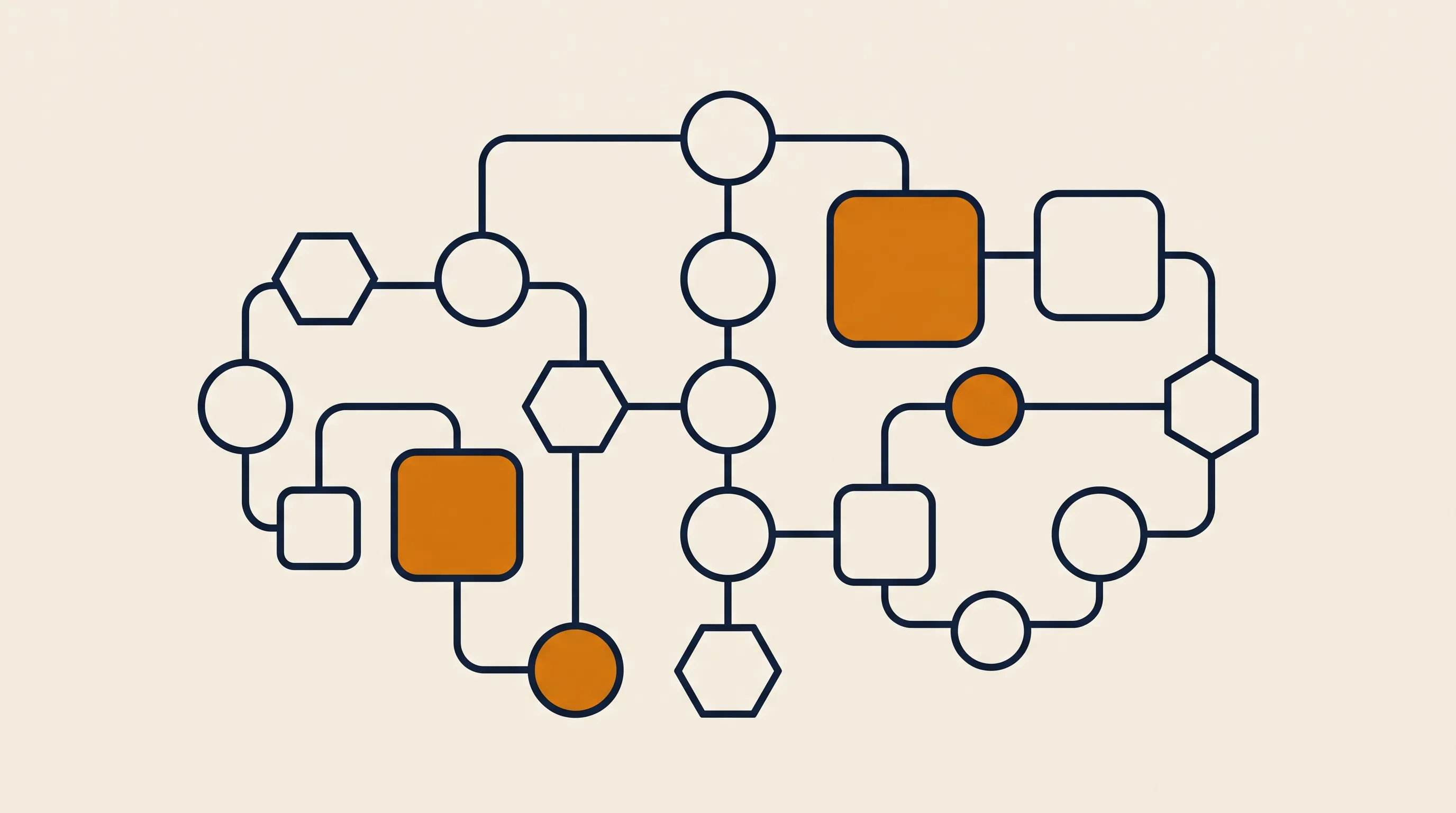
Every AI automation we ship follows the same three-part skeleton, regardless of industry.
Something starts the process: a new email lands, a form is submitted, a file is uploaded to a folder, a webhook fires from your payment processor, or a schedule ticks over at 6 a.m. The trigger is plumbing, not intelligence — but choosing the right one decides whether your automation feels instant or laggy.
This is where AI earns its keep. The raw input — often unstructured text or an image — is passed to a model with a clear instruction and, critically, a defined output shape. Instead of asking the model to "summarize this invoice," you ask it to return structured fields. A typical prompt contract looks like this:
{
  "vendor": "string",
  "invoice_number": "string",
  "amount_due": "number",
  "due_date": "YYYY-MM-DD",
  "needs_human_review": "boolean"
}
Forcing structured output is the single biggest reliability lever. A model that returns free-form prose breaks the next step; a model that returns clean JSON slots straight into your database.
Now the system does something with that structured result: it creates a record in your CRM, posts a Slack message, drafts a reply for approval, updates a spreadsheet, or kicks off a payment. Often there is a branch — needs_human_review: true routes to a person, everything else proceeds automatically. That human-in-the-loop branch is what makes AI automation safe to deploy on real money and real customers.
People conflate three things, so let us separate them. The phrase artificial intelligence automation specifically implies a model that interprets meaning, which neither of the older approaches does.
RPA tools click buttons and move data between systems by mimicking a user's keystrokes. They are powerful for legacy software with no API, but they are brittle: a UI redesign breaks the bot. RPA has no understanding of what it is moving.
This is the world of "if this, then that" connectors. It is reliable and cheap for predictable, structured data — but it cannot read a paragraph and decide what to do. If you want to understand this layer first, our primer on what workflow automation is and how tools like n8n orchestrate it is the right place to start, because most AI automation is built on top of a workflow engine.
AI automation uses the workflow engine for plumbing and triggers, then inserts model-driven reasoning at the steps that need judgment. In practice the best systems are hybrids: deterministic rules for the 80% that is predictable, AI for the 20% that is messy. Pure-AI systems that route every step through a model are slow, expensive, and harder to debug.
Abstract definitions only get you so far, so here is AI automation explained through the kinds of systems we actually deploy.
- Inbox triage: Incoming sales and support email is read by a model, classified, summarized, and routed to the right person or auto-answered if it is routine. Response times drop from hours to seconds for the common cases.
- Invoice and document intake: Vision plus language models extract fields from PDFs and scanned documents, validate them against your records, and flag mismatches for review instead of dumping everything on a human.
- Lead enrichment and qualification: A new lead triggers research, a fit score, and a personalized first-touch draft, so reps spend time on conversations rather than data gathering.
- Meeting-to-action: Call transcripts become structured notes, CRM updates, and follow-up task lists automatically.
- Content operations: Long reports get condensed, translated, or repackaged for different channels with a human approving the final cut.
We keep a deeper, industry-by-industry breakdown in our roundup of AI automation examples, which is worth reading if you want to map these patterns onto your own operations. The common thread: each one removes a repetitive reading-and-typing loop, not the human judgment that surrounds it.
Two things changed in the last few years that make this practical rather than experimental.
First, models got good enough at structured extraction and classification to trust on real workloads, when paired with validation and a review path. Tasks that were research projects in 2021 are reliable production features today.
Second, the integration layer matured. Open-source workflow tools and managed platforms made it cheap to connect a model to the dozens of apps a business already runs. You no longer need a six-month engineering project to wire an LLM into your CRM.
The business consequence is leverage. A small team can now operate like a much larger one, because the volume-sensitive parts of the work — reading, sorting, drafting, entering — no longer consume linear human hours. For lean teams especially, this is the difference between scaling and stalling, which is why we wrote a dedicated guide on AI automation for small business. When teams decide a process is worth automating but lack the in-house capacity to build it, our AI automation service handles the integration, reasoning, and review layers end to end.
There is a clean line worth drawing, because the AI automation definition keeps getting blurred with "generative AI."
Generative AI is a capability — the ability of a model to produce text, code, or images. AI automation is a system that puts that capability to work inside a process, with triggers, structured handoffs, error handling, and actions. Generative AI writes a draft email when you ask; AI automation reads the incoming email, decides a draft is needed, writes it, files it, and notifies the right person — all without being asked.
Put simply: generative AI is the engine. AI automation is the car built around it, including the brakes. The "brakes" — validation, human review, logging, retries — are what separate a demo from something you can run unattended.
Not everything should be automated, and the wrong first project is how teams burn their goodwill. We screen candidate processes against four questions.
- Is it high-volume or high-frequency? Automating something that happens twice a month rarely pays back. Daily or hourly tasks do.
- Is the input unstructured or variable? If the data is already clean and structured, you may only need rule-based automation, not AI. AI earns its cost when there is messy text or images to interpret.
- Is there a clear definition of "correct"? You must be able to tell whether the system got it right, otherwise you cannot trust or improve it.
- What is the cost of an error, and can a human catch it? High-stakes steps need a review gate; low-stakes steps can run fully automatically.
A practical first project scores high on volume, has messy input, has a checkable output, and has tolerable error costs. Inbox triage and document intake almost always qualify. For a structured walkthrough of turning these answers into a working system, our step-by-step on how to automate business processes covers the sequencing in detail.
In our experience, projects fail for predictable reasons — and almost none of them are about the model being "not smart enough."
- No structured output contract. Letting the model return free-form prose makes every downstream step fragile. Always define the exact fields you expect.
- No human-in-the-loop on risky steps. Teams either trust the system with nothing or with everything. The right answer is a confidence threshold that routes uncertain cases to a person.
- Automating a broken process. AI automation makes a process faster, including a bad one. Fix the workflow on paper first; automate the good version.
- Ignoring the unhappy path. Real inputs include garbage, duplicates, and timeouts. Systems that only handle the demo case break in week one. Budget most of your build time for error handling and retries.
- Choosing the model before the problem. The model is the least important decision. Get the trigger, the data, and the action right, and a mid-tier model usually outperforms a top-tier one wired into a sloppy process.
- No logging. If you cannot see what the system did and why, you cannot debug it or earn the team's trust. Instrument every run from day one.
Honestly, less time than most teams expect for a focused first project, and far longer if scope sprawls. A single well-chosen workflow — one trigger, one reasoning step, one or two actions, with a review path — is a matter of days, not quarters. At TaskifyLabs we typically ship production automations within about 14 days, because we deliberately scope to one painful, high-volume process rather than trying to boil the ocean.
The timeline blows out when teams try to automate an entire department at once, skip the process-fixing step, or insist on a fully autonomous system where a human-in-the-loop version would have shipped in a fraction of the time. Start narrow, prove value on one process, then expand. The second and third automations move faster because the plumbing — integrations, logging, review tooling — is already in place.
If you want to go deeper on the concepts and patterns introduced here, these guides build directly on this one:
AI automation is the point where artificial intelligence stops being a clever assistant you prompt by hand and becomes infrastructure that quietly does work. The technology is no longer the hard part — well-defined output contracts, a sensible human-review gate, robust error handling, and the discipline to start with one high-volume process are what separate systems that run for years from demos that impress for a day. If you remember nothing else, remember the shape: a trigger, a reasoning step that returns structured data, and an action, with brakes on the parts that touch money or customers. Get that right on a single painful workflow, measure it, and let the results decide what you automate next. That is how AI automation moves from buzzword to a line item that actually pays for itself.