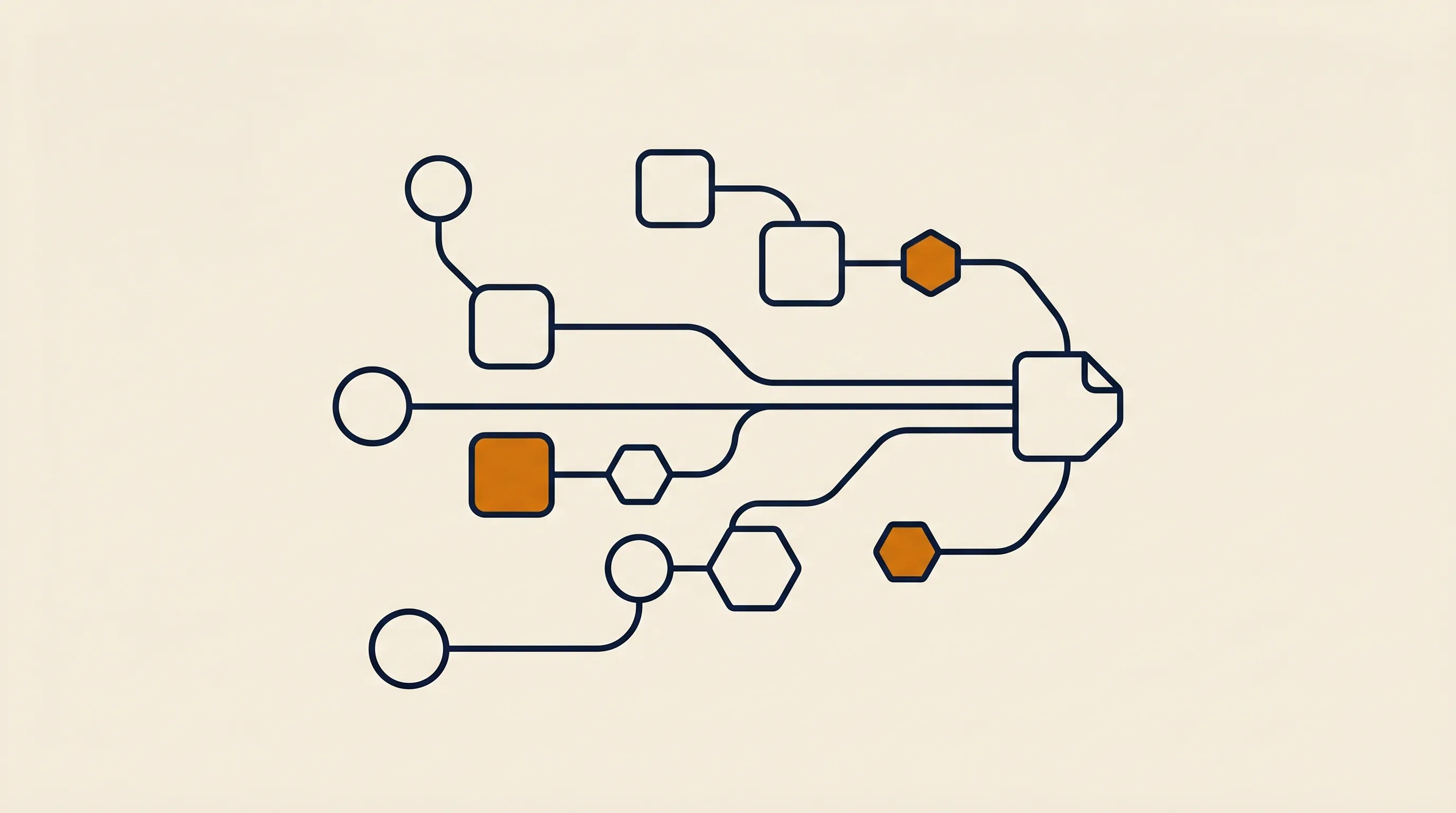
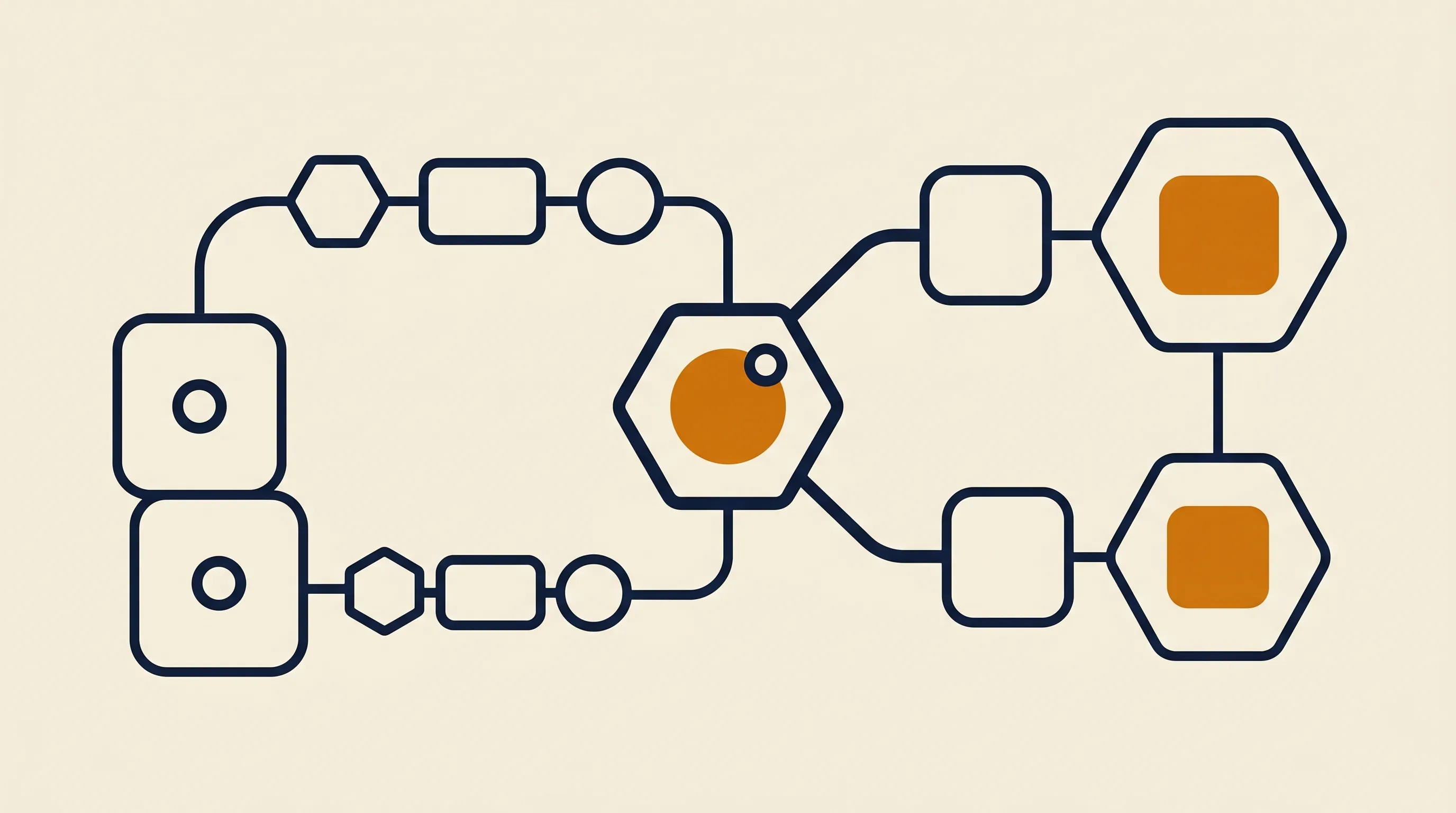
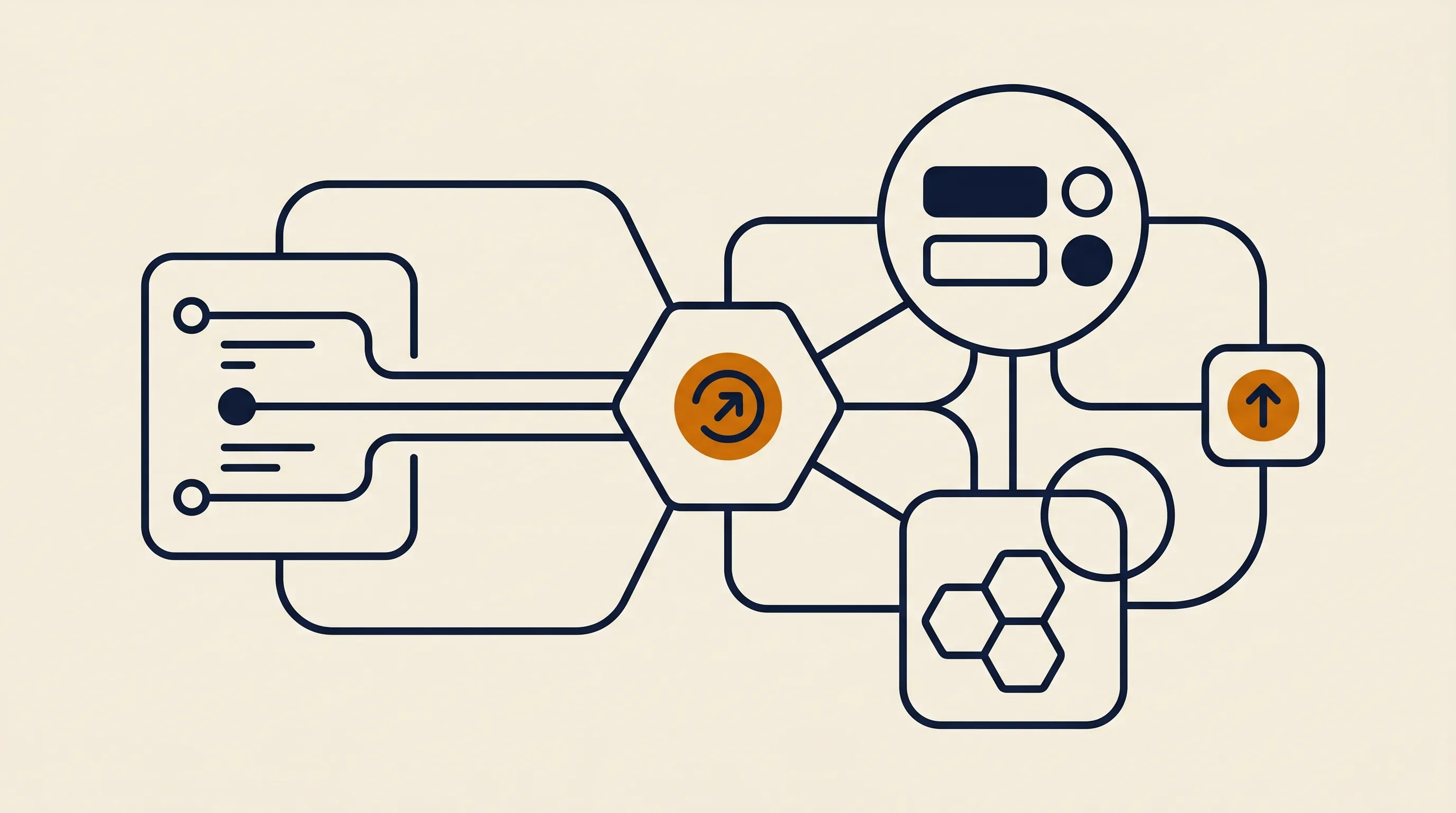
Almost every document automation pipeline, regardless of the vendor, follows the same skeleton. Once you can see it, you can read any system and spot where it will break.
The first stage is intake — getting the document into the pipeline reliably. Common capture points include:
- A monitored email inbox (
[email protected]) that grabs every attachment - A watched cloud folder in Google Drive, SharePoint, or Dropbox
- A web form or portal upload
- An API or webhook from another system that drops the file in
The capture layer is the "when and where." Get it wrong and the cleverest extraction in the world never runs, because the document never enters the system.
How is text and data extracted from the document?
Once captured, the document has to be turned from pixels into text and then into structured fields. Two technologies do the heavy lifting:
- OCR (optical character recognition) converts a scanned image or photo into machine-readable text.
- A reading model — increasingly an AI model rather than a fixed template — interprets that text and decides which number is the total, which date is the due date, and which string is the vendor.
Template-based extraction works when documents are uniform. AI-based extraction is what makes a document automation system robust to the reality that every vendor invoice, every contract, and every form is laid out differently.
Raw extraction is not enough — you have to trust it. A solid pipeline adds:
- Validation rules ("the line items must sum to the stated total", "the PO number must exist in our system")
- Confidence thresholds (anything the model is unsure about gets flagged for a human)
- Routing logic (high-value invoices go to a senior approver; standard ones auto-post)
The output then flows to its destination: a record created in your ERP or CRM, a row appended to a sheet, a file moved into the correct, named folder, and a notification sent to the owner. This is the same trigger-logic-action backbone behind any workflow, applied to documents — a pattern we cover more broadly in our guide to back-office automation.
Almost any recurring document type is a candidate. These are the ones we see deliver the fastest, clearest return.
Invoices are the classic starting point because the data is structured and the volume is high. The system reads the vendor, invoice number, line items, tax, and total, matches them against the purchase order, flags mismatches, and posts the rest for approval. If you want the full mechanics, our deep dive on invoice processing automation walks through the matching and approval logic step by step.
Contract automation covers both generation and intake. On generation, the system assembles a contract from a template plus merged data — client name, scope, dates, fees — so legal does not rebuild it each time. On intake, it extracts key terms (renewal date, payment terms, liability cap), files the signed copy, and sets a reminder before renewal so nothing auto-renews by surprise.
New-hire forms, expense claims, KYC documents, and customer applications all involve reading fields off a document and writing them into multiple systems. Document automation reads the form once and fans the data out to payroll, your HR system, and IT provisioning — eliminating the triple data entry that frustrates new joiners and the people processing them.
Yes. Delivery notes get matched against orders, receipts get categorized for expense reports, and bank statements get parsed for reconciliation. These higher-variability documents are exactly where an AI reading layer earns its keep, because a rigid template would shatter on the formatting differences between sources.
This distinction trips up a lot of buyers. A scanner — or basic OCR — turns an image into text and stops there. You still get a blob of words that a person has to read and act on. Document automation goes the whole distance:
- OCR alone gives you searchable text.
- Template extraction gives you fields, but only for documents that match the template exactly.
- Full document automation gives you validated, routed, filed data plus the action that follows — the invoice is posted, the contract is logged, the form is provisioned.
The gap matters because most of the labor is not in reading the document; it is in deciding what to do with it and doing it across several systems. A scanner leaves all of that on a human's plate. This is the same reason we draw a hard line between point tools and real automation when teams ask how to automate data entry — capturing text is the easy 20 percent; acting on it reliably is the other 80.
We have inherited enough half-built pipelines to know where they go wrong. The failures are rarely about the AI model; they are about process and edges.
If your invoice approval is chaotic when a human does it, automating it just makes the chaos run faster. Map and clean the process before you encode it. Automation amplifies whatever you point it at, good or bad.
A document automation system that auto-posts everything with no confidence threshold will eventually book a wrong total against the wrong vendor. Always route low-confidence or high-value documents to a quick human review. The goal is to remove 90 percent of the manual work, not to pretend the last 10 percent does not exist.
The demo always uses a clean invoice. Production throws you a handwritten note, a photo taken at an angle, a two-page contract scanned as one image, and a vendor who changed their layout last month. Budget time for the long tail, and design a graceful fallback — a flagged queue — for anything the system cannot read confidently.
Extracting the data but dumping the original file into an unstructured folder recreates the search problem you were trying to solve. Decide your naming convention and folder structure up front, and have the automation file documents consistently so they are findable later.
You do not boil the ocean. You pick one painful document type and prove the pattern. Here is the sequence we use.
- Pick the highest-pain, highest-volume document. For most businesses that is invoices or onboarding forms.
- Map the current manual process end to end. Note every system the data touches and every decision a human makes.
- Define "correct." Write down what a perfectly processed document looks like, including validation rules and what should trigger a human review.
- Build the capture-to-action pipeline for that one document type, with a confidence threshold and a flagged-review queue from day one.
- Run it in parallel with the manual process for a week, compare outputs, and tune the extraction and rules.
- Cut over, measure, then expand to the next document type using the same skeleton.
This staged approach is why focused automations ship fast. At TaskifyLabs we routinely take a single document workflow from scoping to a running, monitored pipeline in around 14 days, precisely because we resist the urge to automate everything at once. If you would rather hand the build off, our business automation service scopes, builds, and maintains these document pipelines end to end.
Document automation is rarely an island. The data you extract from an invoice feeds approvals and reporting; the terms you pull from a contract feed renewals and forecasting; the fields off an onboarding form feed payroll and IT. In other words, document automation is the intake layer of a wider operating system — it converts unstructured paper into the clean, structured signals every other automated process depends on.
Seen this way, document automation is one pillar of a connected back office rather than a standalone gadget. Teams that treat it that way get compounding returns: each document type they automate makes the next downstream workflow easier, because the data arriving into it is already clean. For a wider menu of where to point this kind of effort next, our roundup of practical business automation ideas is a good map of the adjacent wins.
If you are building out a document-driven operation, these companion guides go deeper on the pieces around document automation:
The takeaway is simple: documents are not the goal, the data inside them is. Document automation matters because it shrinks the gap between a file arriving and its information becoming something your business can act on. Start with one high-volume document type, keep a human in the loop for the cases the system is unsure about, and treat the extracted data as the foundation for everything downstream. Do that, and the documents stop being a queue your team works through and start being a stream that moves itself.